
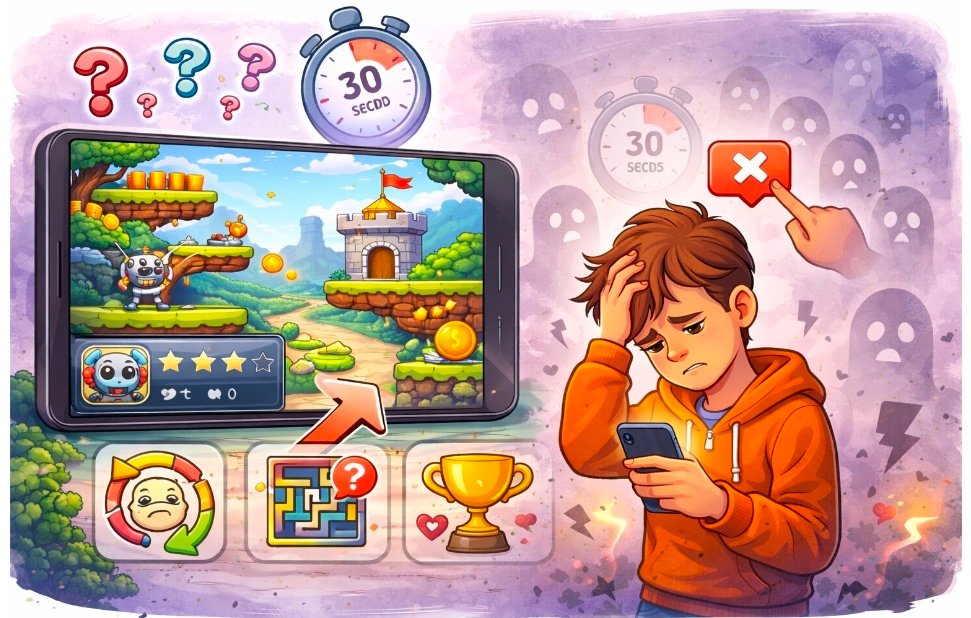

Many makers watch their AI game look polished and ready, yet real players open it, play for less than half a minute, and then close it forever. This quick dropout happens more often than expected. The game may run smoothly and show nice visuals, but something in the first moments fails to hook the player or makes them feel confused or uninterested. In games that create new content automatically, the opening experience can feel messy because generation sometimes places elements in ways that confuse new players or delay the fun. Players today try dozens of games quickly and decide fast. If the first 30 seconds do not feel clear, rewarding, or easy to understand, they move on without hesitation. This guide explains the most common reasons for such fast quits and gives practical steps to fix them. You will learn how to create a strong first impression, make goals obvious, improve controls and feedback, and shape better levels so players want to keep playing. Follow these methods and far more people will stay past the first minute and enjoy your game.
Why the First 30 Seconds Matter So Much
The opening moments decide whether a player invests any more time. Most people have short attention spans and many other games to try. In those first seconds, they check three things: Can I understand what to do? Does it feel good to play? Is there a reason to continue?
If the game starts with a long loading screen, unclear instructions, or slow controls, players feel impatient and leave. Even nice art cannot save a confusing or boring start. AI generated games face extra risk here because new content can appear in unexpected ways that break the intended flow. Fixing the first 30 seconds turns casual openers into interested players. Small changes in clarity, speed, and immediate fun create a strong hook that encourages them to try the next level or session.
Four Main Reasons Players Quit Quickly
These four issues cause most early dropouts in AI-generated games.
- Unclear Goals and Instructions: Players do not know what they are supposed to do or why it matters, so they feel lost from the start.
- Slow or Unresponsive Controls: Actions feel delayed or awkward, making the game frustrating before it even begins.
- Weak First Actions and Rewards: The initial moves lack satisfying feedback, so nothing feels rewarding or exciting.
- Levels That Feel Random or Overwhelming: The first area appears messy or too difficult, giving no sense of fair progression or fun.
Creating a Strong and Clear First Impression
The opening screen and first actions must welcome players and show the fun immediately. Start the game with a simple, attractive main screen that places the most important button or action in an obvious spot. Avoid long introductions or heavy text. Show the core action right away through a short visual example or gentle tutorial that teaches by doing rather than reading. For example, let the player perform the main move in a safe practice area before the real level begins. Make sure the goal appears clearly, such as a visible target or a simple score counter that updates with the first success. Test the first 30 seconds on different devices with new players. Fix any moment where someone pauses or looks confused. A smooth, welcoming start keeps curiosity alive and encourages continued play.
Making Goals Obvious and Easy to Understand
Players quit fast when they cannot figure out the purpose of the game. Use clear visual hints instead of long explanations. Place a large, simple goal marker or show the win condition through icons and short animations. Design the first level so the main action leads naturally toward the goal. If the game involves merging, collecting, or avoiding, make sure the first objects or obstacles guide the player toward success without guesswork. Add a quick highlight or arrow for the most important element in the opening moments. Keep rules minimal at the start. Introduce one idea at a time and let the player succeed with it before adding the next. When goals feel clear and achievable early, players gain confidence and want to see what comes next.
Improving Controls and Immediate Feedback
Unresponsive or confusing controls cause instant frustration. Make sure every tap, swipe, or key press registers quickly and produces a visible result. Tighten timing so actions happen in the same moment the player acts. Give clear feedback for every input. When the player performs the main action correctly, show a bright flash, pleasant sound, or quick animation that celebrates the success. Even small wins in the first 30 seconds build positive feelings and encourage repetition. Test controls in the opening area on both touch devices and computers. Adjust sensitivity and size of interactive areas so fingers or mouse clicks feel accurate and satisfying from the very first try. Responsive controls make the game feel alive and worth continuing.
Four Key Fixes to Stop Early Quits
Apply these four targeted improvements to keep players past the first half-minute.
- Simplify the Opening Screen: Remove clutter and place the start action or main mechanic in the center with clear visual focus so players know exactly where to begin.
- Teach Through Play: Let the player perform the core action safely in the first few seconds with immediate positive feedback instead of reading instructions.
- Ensure Fast and Fair First Level: Build the opening area with easy challenges, clear paths, and quick wins so players feel successful right away.
- Add Instant Rewards: Make the first collection, merge, or avoidance produce a noticeable visual or sound effect that feels good and signals progress.
Why Your Levels Feel Random and Not Designed
Even when the first moments look promising, players often quit soon after if the levels feel scattered or unfair. Generated content can place objects without regard for natural flow, creating cramped spaces, huge empty areas, or sudden difficulty spikes. Players sense when a level lacks purpose and quickly lose interest. Good levels guide the player with clear paths, balanced challenges, and logical progression. When generation ignores these elements, the experience feels accidental rather than crafted. This randomness breaks the sense of discovery and makes progress feel pointless. Fixing level structure turns random layouts into enjoyable journeys that encourage players to continue rather than quit early.
Four Steps to Create Better Levels
Follow these four steps to make generated levels feel carefully designed and keep players engaged.
- Set a clear overall structure. Define a safe start zone, a main path with connected challenges, and a visible goal so each level has direction and purpose.
- Control spacing and pacing. Ensure consistent gaps for movement and include short rest areas between challenges so the level never feels overwhelming or empty.
- Build steady difficulty progression. Start with simple actions, then combine them gradually so players learn and improve naturally without sudden frustration.
- Add guiding elements. Use background patterns, light visual cues, or consistent landmarks that help players understand where to go and what to expect next.
Testing the First 30 Seconds with Real Players
The best way to catch dropout reasons is to watch new players experience the opening. Ask friends or volunteers to try the game without any explanation from you. Time how long they play and note exactly when they stop or look confused. Focus testing on the first screen, first action, first success, and first level. Ask what felt unclear or boring. Use their honest reactions to make quick adjustments. Repeat the test after each change until most new players continue past 30 seconds naturally. Real-player testing reveals problems that creators often miss after working on the game for weeks. It keeps improvements focused on what actually matters to the audience.
Drawing Inspiration from a Real Game
A helpful example of a game that hooks players quickly is Evolution Merge. You can play it on an Astrocade. Notice how the opening moments clearly show the main merging action with immediate feedback and a simple goal that feels rewarding right away. The levels build steadily without feeling random. Use the same focus on clarity, fast rewards, and purposeful flow when improving the first 30 seconds of your own game.
Preventing Future Early Quits
Build habits that protect the opening experience as your game grows. Test every new feature or generated change for its effect on the first minute. Keep the start simple, even when adding deeper content later. Regular short playtests with fresh players help catch new issues before they affect real audiences. Stay focused on making the first actions fun, clear, and responsive. These habits ensure that updates improve the game without accidentally increasing early dropouts.
Wrapping Up the Solutions
Players quit AI games in 30 seconds mainly because of unclear goals, slow controls, weak first rewards, and levels that feel random or unfair. By creating a welcoming first impression, making goals obvious, tightening controls and feedback, and shaping better levels with the four steps, you give your game the best chance to hold attention and grow its audience. Whether you build your games with Astrocade or other easy tools, these practical changes focus on the moments that matter most to new players. Start today by testing your current opening with fresh eyes. Simplify where needed, add clear feedback, and refine the first level until it feels engaging from the very first second.
When the first 30 seconds hook players successfully, they naturally explore more of what you created. A strong start leads to longer play sessions, better retention, and more shares. Take these steps now and turn quick quits into lasting enjoyment for more people. Your game deserves the chance to be played and loved beyond the opening screen.