
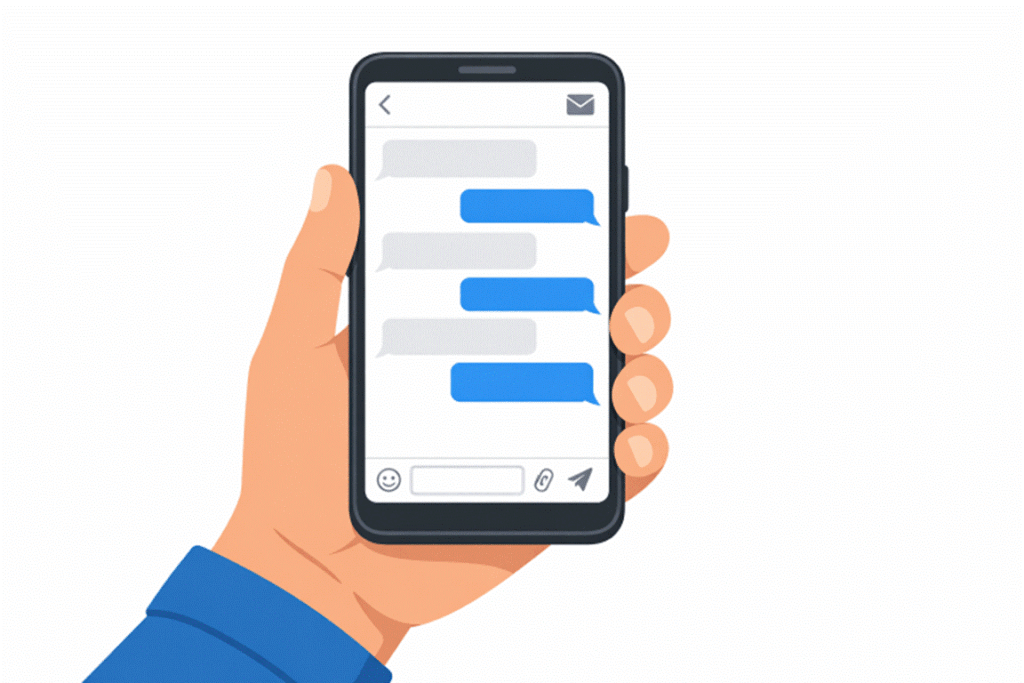

In today’s fast-evolving digital environment, the design of email and messaging interfaces plays a central role in how people communicate every day. To keep users engaged, platforms must be intuitive, visually appealing, and accessible to everyone. Effective interface design is not just about aesthetics; it is about ensuring every detail supports meaningful, seamless communication while minimizing friction. One key to successful email and messaging platform design is prioritizing user needs from the start. This is illustrated by comprehensive examples of email UI from top industry platforms, providing designers with countless ideas to enhance their products.
User satisfaction often comes down to the ease of interaction, mobile optimization, and clear, scannable layouts. As more conversations shift online, delivering high-quality digital experiences in email and messaging platforms becomes non-negotiable for businesses looking to connect with their audiences effectively. According to research, over 60 percent of email interactions now happen on mobile devices, highlighting why mobile-first principles should be at the core of any interface decisions.
Understanding these evolving behaviors enables organizations to craft experiences that not only meet but exceed user expectations. When teams embrace user-centric thinking, even small changes such as adjusting font sizes, optimizing color contrast, or simplifying layouts can dramatically impact engagement rates and overall usability. These improvements help establish trust and create lasting positive impressions.
Successful design goes beyond just looking good; it must address usability for the broadest possible audience, including those using assistive technologies. As guidelines and best practices evolve, designers should remain vigilant, keeping up with trends and benchmarking against leading solutions.
Understanding User Needs
Every effective design process begins with understanding the needs and preferences of your audience. Gathering actionable insights through user surveys, interviews, and behavioral analytics helps uncover pain points and usability challenges. For instance, targeted research reveals that most users expect messaging platforms to be not only easy to use but also quick to load and navigate on the go. Integrating user feedback early and iteratively throughout development ensures the final product addresses real-world scenarios.
Prioritizing Mobile-First Design
Given that most users now check emails and messages on their smartphones, starting with mobile-first principles is crucial. This approach involves layering features from a base optimized for smaller screens upward to desktop versions, ensuring content is never compromised. Elements like single-column layouts, touch-friendly interfaces, and minimum font sizes should be the default. Buttons should be large enough to prevent accidental taps, and navigation should feel natural within thumb’s reach. These mobile-centric principles translate to better engagement and fewer user complaints about usability issues.
Simplifying Layouts for Clarity
Clarity is essential. Overly complex layouts can confuse or frustrate users, causing them to abandon messages before even reading the content. Clean, minimalist designs with generous white space direct attention to what matters most. Limiting the number of visible options and focusing on a single call-to-action streamlines decision-making and improves conversion rates. As highlighted in a recent analysis by Benchmark Email, “Minimalist designs continue to outperform cluttered ones. Readers evaluate whether an email is worth their attention in just a few seconds, so your layout needs to be clean, scannable, and built around a single message.”
Enhancing Readability with Typography
Typography is at the core of digital communication. Using a font size of at least 16 pixels for body text ensures messages are readable without zooming, especially important on small devices. Headings benefit from larger, bolder type to guide users through the content hierarchy. Consistent, web-safe typefaces such as Arial, Roboto, or Helvetica minimize rendering issues. High contrast between text and background not only aids readability for all users but also supports those with visual impairments, aligning with accessibility best practices from publications like the Smashing Magazine accessibility guide.
Implementing Effective Visual Hierarchy
Establishing a logical visual hierarchy helps users find information quickly and take intended actions. Place the most critical content above the fold, use contrasting colors and larger fonts for headlines and calls to action, and employ spacing to separate sections visually. Consistency in iconography and color cues further streamlines the reading experience while enhancing brand recognition.
Ensuring Accessibility for All Users
Inclusivity is a non-negotiable standard in today’s digital world. Adding descriptive alt text to images, maintaining high color contrast ratios, and using semantic HTML structures each improve navigability for users of assistive technologies. Following frameworks from established accessibility organizations, such as the W3C Web Accessibility Initiative, broadens your reach, deepening your potential audience while aligning with ethical design requirements.
Optimizing for Dark Mode
Dark mode has become an expected feature as users seek to reduce screen glare and eye strain, especially in low-light conditions. Design teams should always preview their interfaces in both light and dark modes during development. Avoid pure black-and-white color schemes, which can cause eye fatigue; opt instead for dark grays and off-whites. Transparent or adaptable image assets help maintain a polished appearance regardless of user preference. Ensuring your design transitions seamlessly between themes will support both accessibility and aesthetic goals.
Conclusion
Driving engagement and satisfaction in email and messaging platforms starts with embracing a user-first mindset. By thoroughly understanding your users, adopting mobile-first strategies, simplifying designs, prioritizing readability, establishing effective visual hierarchies, ensuring accessibility, and preparing for dark mode, teams can craft compelling digital experiences that foster loyalty and trust. Regularly benchmarking your work against established standards and real-world examples is key to staying ahead in the rapidly changing landscape of digital communication.