
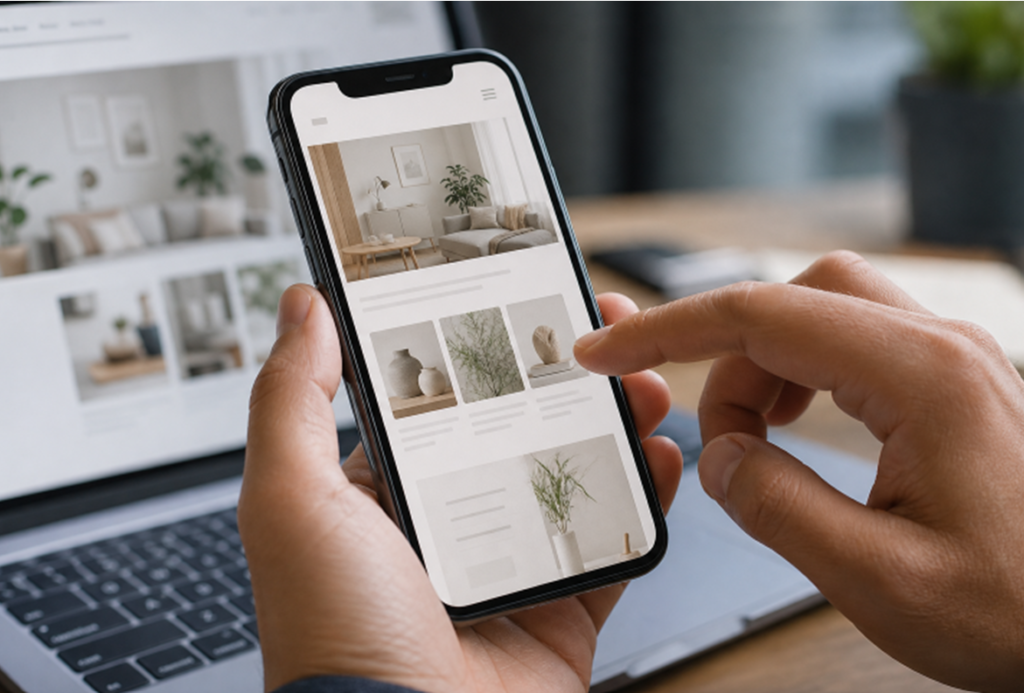

AI can help a small business move from an idea to a working site much faster than traditional methods. An AI website builder can generate an initial layout, draft page copy, and speed up routine revisions, but the first version is only a starting point.
A useful website must do more than look polished. It should make the business easy to understand, answer the questions visitors bring, and give people a clear next step. The owner still needs to provide the judgment, accuracy, and real-world knowledge that turn a generic draft into a trustworthy online presence.
Why Useful Matters More Than Fast
A fast draft is valuable because it gives you something concrete to improve. However, visitors do not judge a website by how quickly it was created. They judge whether they can understand what you offer, whether the information feels credible, and whether it is easy to contact or buy from you. A local contractor, for example, should make services, service areas, estimate requests, and practical expectations easy to find.
Set a Clear Goal Before Building
Give the website one primary purpose. It may be to collect leads, book appointments, sell products, display a portfolio, or reduce repetitive customer questions. Before choosing colors or features, write one sentence that states the goal.
- Identify the visitor you most want to help.
- Describe that visitor’s main question or problem.
- Choose the action they should take after finding the answer.
Plan Pages and the Visitor Journey
Start with a focused site instead of creating dozens of thin pages. Most small businesses need a home page, an about page, services or products, frequently asked questions, contact details, and any privacy or legal information that applies to their operation. Use direct navigation labels such as “Services” and “Contact,” rather than clever labels that force visitors to guess. Keep page URLs short and descriptive.
Write Better Prompts
Vague instructions produce vague results. Give the AI a brief that includes your business type, audience, main goal, services, tone, required pages, call to action, accessibility expectations, and mobile priorities.
Sample Website Prompt
“Create a clear, friendly website for a residential cleaning business serving busy households. The main goal is to quote requests. Include Home, Services, FAQs, About, and Contact pages. Use plain language, large readable text, short mobile-friendly forms, clear buttons, descriptive image text, and a ‘Request a Quote’ call to action.”
Then make smaller follow-up requests, such as revising a headline, shortening a form, or adding a specific FAQ. Focused edits are easier to review than one oversized request.
Review AI-Generated Content
Treat every AI-written paragraph as a draft. Check prices, hours, service descriptions, locations, credentials, availability, and any claims about results. Replace broad statements with real details only your business can provide, such as how an appointment works, what customers should prepare, or which neighborhoods you serve.
- Is the wording clear and accurate?
- Does it sound like the business?
- Does it answer a real customer question?
- Can visitors easily find the next step?
- Has each important claim been reviewed?
Build for Mobile Users First
Review the site on a phone before refining it for a large monitor. Text should be easy to read without excessive zooming, buttons should have enough space around them, and forms should ask only for information you actually need. Compress overly large images, break up dense text, and test menus across multiple browsers. A visitor should be able to call, request information, or complete a purchase without fighting the interface.
Check Accessibility and Ease of Use
Accessibility supports people who use keyboards, screen readers, captions, magnification, or other assistive technology, while also improving clarity for many other visitors. Use meaningful image descriptions, visible keyboard focus, logical heading order, readable contrast, captions for video, and clear form labels and error messages. Recent accessibility findings about AI-generated digital experiences are a useful reminder that a page can look fine while still creating barriers for real users.
Support Search Visibility
Search visibility begins with pages that answer genuine questions and have a structure that people can understand. Write descriptive page titles, use helpful headings, add clear internal links, keep business information consistent, and provide accurate image descriptions. Avoid publishing large numbers of nearly identical pages. Google’s guidance for optimizing for generative AI in Search reinforces the value of useful, original content and solid search fundamentals.
Test Every Important Action
Test the site as someone who has never seen it before. Open it on a phone, locate the main service or product, verify the contact details, submit every form, and try every important button, menu, and link. Confirm that visitors receive a clear confirmation and that form submissions reach the correct inbox. Ask someone outside the business to complete one task and note where they hesitate.
Maintain the Site After Launch
Publishing is not the finish line. Review the website at least monthly for outdated contact information, prices, availability, broken links, failed forms, old testimonials, software updates, and performance issues. Customer emails, sales calls, reviews, and support questions can reveal gaps in the site. Often, a small update to an existing page is more useful than creating another page.
Know When Human Help Is Needed
AI is well-suited to drafts, routine edits, and early planning, but some projects need specialist review. Consider a developer, designer, accessibility professional, or security expert when handling online payments, customer accounts, sensitive health or financial information, custom databases, complex booking systems, or a large online store. The business owner remains responsible for strategy, safety, accuracy, and final approval.
Use a Simple Pre-Launch Checklist
- The website’s goal is clear.
- Visitors can find key information quickly.
- Pages work on phones and desktops.
- Forms, links, and buttons work correctly.
- Important content has been fact-checked.
- Images have useful descriptions and headings that follow a logical order.
- Page titles, contact details, privacy information, and legal pages are accurate where needed.
- Someone outside the project has tested the site.
Conclusion
AI can speed up website creation, but speed alone does not build trust. The strongest small-business site has a clear purpose, answers real questions, works for a wide range of visitors, and receives regular human review. Use AI for momentum, then apply careful judgment at every important step.
Read Also: https://flypapermagazine.com/