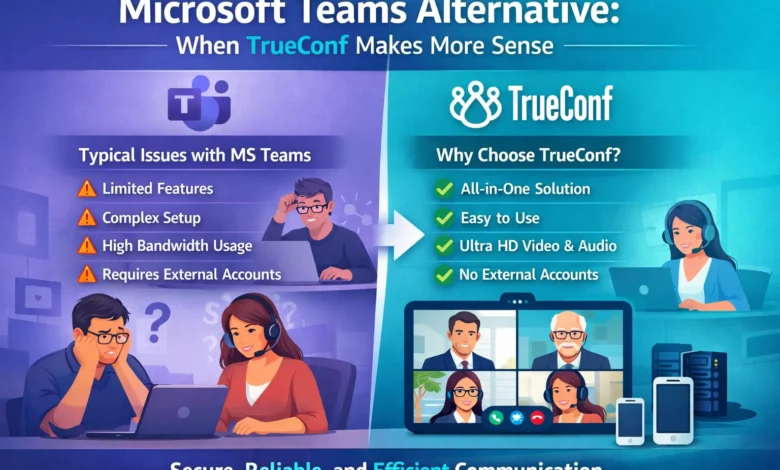
For years, Microsoft Teams has been the default choice for enterprise communication. Bundled with Microsoft 365, it offers a familiar interface and a vast ecosystem of integrations. However, as organizations mature in their digital transformation journey, many are discovering that “default” does not always mean “optimal.”
For a growing segment of IT leaders—particularly those in secure industries, healthcare, government, and organizations with complex network infrastructures—TrueConf has emerged as a compelling alternative. Here is when TrueConf makes more sense than Microsoft Teams.
1. When Security Cannot Be an Add-On
Microsoft Teams operates on a shared cloud infrastructure. While Microsoft invests heavily in security, the architecture of Teams is inherently multi-tenant. For organizations that require total control over their data—such as defense contractors, financial institutions, or healthcare providers handling sensitive patient data—this presents a risk.
TrueConf was built with a security-first architecture. Unlike Teams, TrueConf offers a on-premises deployment model as its core strength. With TrueConf Server, organizations can install the video collaboration platform behind their own firewall. This means:
- No third-party data centers: Video streams, chat logs, and user data never leave the organization’s private infrastructure.
- Full compliance: It is easier to guarantee compliance with GDPR, HIPAA, and local data sovereignty laws when the server is physically under the organization’s control.
- End-to-end encryption: For high-stakes communications, TrueConf provides robust encryption that the organization manages, rather than relying on a public cloud SLA.
If your legal team loses sleep over where your meeting recordings are stored, TrueConf is the logical choice.
2. When Bandwidth is a Bottleneck
Microsoft Teams is notorious for its unpredictable bandwidth consumption. In a modern office with fiber optics, this is rarely an issue. However, for organizations with remote branches, field operations, or teams working in regions with unstable internet, Teams can become unusable.
TrueConf utilizes a proprietary video codec designed for efficiency. While Teams requires substantial bandwidth to maintain high-quality video (often consuming 2–4 Mbps per user for HD), TrueConf delivers broadcast-quality video at significantly lower bitrates.
Moreover, TrueConf’s architecture is optimized for multipoint conferencing. In Teams, large meetings rely heavily on the cloud (or Microsoft’s infrastructure) to mix streams. With TrueConf’s Server-based multipoint control unit (MCU) technology, the server handles the heavy lifting, preserving endpoint resources. This results in smoother performance for participants using laptops over Wi-Fi or 4G/5G connections.
3. When You Need Video-Centric Collaboration, Not Just Chat
Microsoft Teams is fundamentally a chat application that does video. Its interface is dominated by the chat pane, with video often relegated to a secondary window. For organizations where video communication is the primary mode of operation—such as telemedicine, distance education, or executive briefing centers—this interface creates friction.
TrueConf is a video-first platform. The user interface is designed around the video stream, not the text thread. It offers features that go beyond the capabilities of Teams, including:
- Telepresence interoperability: TrueConf natively supports SIP and H.323 protocols. This allows organizations to integrate expensive Polycom, Cisco, or Lifesize room systems into a single directory, whereas Teams typically requires complex CVI (Cloud Video Interop) licenses to connect to standard video conferencing hardware.
- Ultra-HD support: TrueConf supports 4K video conferencing, which is essential for surgical training, engineering design reviews, and executive presentations—scenarios where visual fidelity matters more than text-based collaboration.
4. When Total Cost of Ownership Gets Out of Hand
At first glance, Microsoft Teams seems inexpensive, especially if you are already paying for Microsoft 365. However, the costs accumulate quickly.
To get a fully functional video conferencing solution with Teams, organizations often find themselves paying for:
- Microsoft 365 E3/E5 licenses.
- Audio Conferencing add-ons for PSTN dial-in.
- Teams Rooms licenses for conference rooms.
- CVI licenses (like Poly or Pexip) to connect existing standards-based room systems.
TrueConf offers a predictable licensing model. With a perpetual license option for on-premises deployments or a straightforward subscription for the cloud, the pricing is transparent. When you add up the cost of the “Teams ecosystem” versus a dedicated, self-hosted TrueConf environment, many organizations find that TrueConf delivers a lower total cost of ownership (TCO) over a 3-to-5-year cycle—especially for organizations with over 500 users and multiple meeting rooms.
5. When You Need Deep Customization and API Access
Large enterprises often need to embed video into their existing workflows—be it a customer portal, a medical application, or a custom ERP system. Microsoft Teams offers Graph API access, but it is often restrictive and designed to push users into the Teams interface.
TrueConf was designed with developers in mind. Its Server SDK and WebRTC-based architecture allow organizations to build custom video applications on top of the infrastructure. You can strip away the chat features and embed a secure video consultation tool directly into your company’s app or website, using your own infrastructure.
Conclusion
Microsoft Teams is a powerhouse for collaboration, particularly for organizations deeply embedded in the Microsoft ecosystem who prioritize chat and document co-authoring. However, it is not a one-size-fits-all solution.
TrueConf makes more sense when your priorities shift from collaboration to secure, high-definition video communication. If you are managing sensitive data, struggling with bandwidth limitations, maintaining legacy room systems, or looking to escape the complexity of subscription stacking, TrueConf offers an enterprise-grade alternative that puts you back in control of your infrastructure.
Before assuming Teams is the only option, it is worth evaluating a platform built by video engineers, for video professionals.